We use cookies to make your experience better. To comply with the new e-Privacy directive, we need to ask for your consent to set the cookies. Learn more.

10 Common Event AV Problems and How to Avoid Them
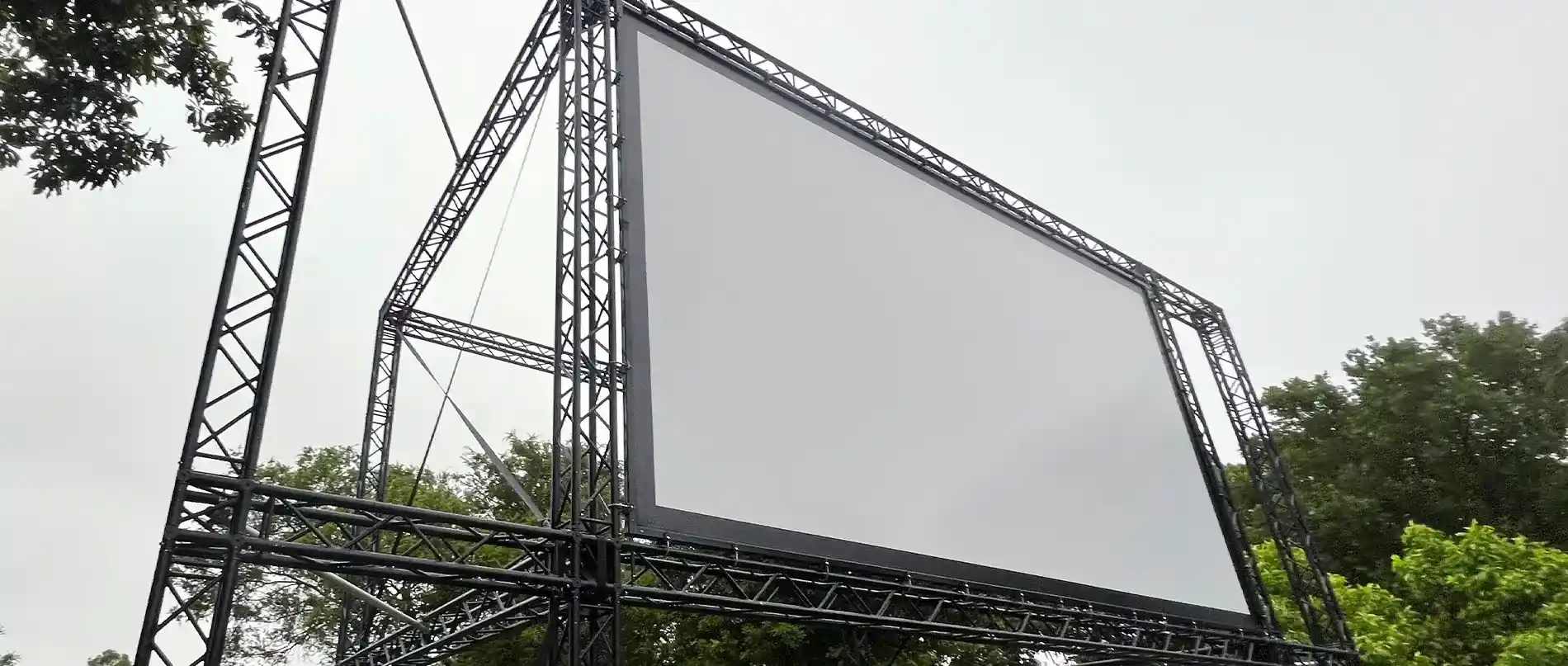
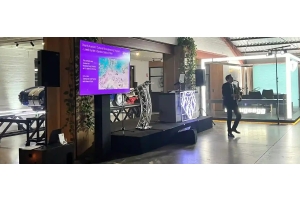
Running a great event takes work. We see it all the time. Microphones squeal, screens turn blank, or cables lie everywhere across the floor. A bad audio-visual setup quickly ruins an otherwise solid event plan.
At Wwave Audio Visual, we help people run smooth functions every week. Through our experience in Melbourne events, we know that most tech issues happen for simple reasons.
Here are ten frequent AV mistakes and our top practical tips to fix them early.
1. Loud Microphone Feedback
Nothing stops a speech faster than a sharp screech from the speakers. This happens when sound from a speaker enters the microphone and loops back around.
- Keep microphones behind the main speakers.
- Do not let presenters walk directly in front of sound gear.
- Set lower gain levels before guests arrive.
2. Low-Quality Audio and Dead Zones
Some rooms have loud areas near the front, but guests in the back struggle to hear anything. Using one huge speaker rarely works well for long rooms.
- Use multiple small speakers spaced evenly across the venue space.
- Adjust volume levels for each area separately.
- Place speakers high up so sound travels over heads.
3. Wrong Cable Connectors and Adapters
Laptops update fast, but venue wall plates do not. You arrive ready to plug in only to find an old socket that fits nothing on your modern device.
- Pack a bag with HDMI, DisplayPort, USB-C and VGA adapters.
- Keep short extension leads inside your kit.
- Test laptop display output options during your setup run.
4. Dim Projectors and Screen Glare
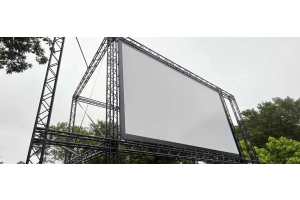
Bright daylight wipes out cheap screen displays. A weak projector renders slides unreadable, leaving your audience squinting at basic charts.
- Match projector lumens to daylight levels in the hall.
- Position screens away from big glass windows.
- Use large TV screens for smaller rooms with lots of light.
5. Sudden Power Circuit Breaks
Connecting heavy lighting, warming equipment and sound amplifiers into a single wall outlet will overload your circuit breaker. Instantly the entire venue loses power and falls silent.
- Separate your sound, lighting, and catering gear across different circuits.
- Calculate power draw before plugging in heavy items.
- Use extension cords rated for outdoor or commercial work.
6. Wireless Signal Dropouts
Wireless mics cut out when they hit radio interference. Wi-Fi routers, thick concrete walls, and phone signals block frequencies easily.
- Scan local radio channels before your event begins.
- Keep receiver boxes in clear line-of-sight to the stage.
- Keep spare batteries on hand near the audio desk.
7. Bad Slide Aspect Ratios
Slides look odd when widescreen presentations stretch on older 4:3 projection displays. Black bars block parts of your text or graphics.
- Check the display ratio with your venue early on.
- Build your slide deck in 16:9 widescreen format by default.
- Preview slides directly on the actual screens.
8. Missing Sound from Video Plays
Your video runs fine on screen, but zero audio comes through the room speakers. This usually points to improper audio output settings on your laptop.
- Choose the main audio output in your media player app.
- Avoid running sound through long standard headphone cables.
- Run sound through direct audio interfaces or HDMI splitters.
9. Messy Trip Hazards
Loose cables on floors invite accidents. Tripping guests can injure themselves or yank expensive gear right off tables.
- Tape down floor cords using heavy gaffer tape.
- Run cables along wall lines instead of room paths.
- Use rubber ramps for high foot-traffic spots.
10. Skipping the Pre-Event Sound Check
Rushing into an event without a full check invites trouble. Leaving setup to the last ten minutes guarantees something unexpected will break down.
- Build in two full hours for equipment testing before doors open.
- Test every single mic with actual speakers on stage.
- Play full media files to verify both picture and sound.
Work with Experience for Seamless Events
Handling AV equipment on your own creates unnecessary stress during important events. At Wwave, we supply gear, setup services, and tech support so your function runs without a single glitch.
Planning a function soon? Reach out to our team at Wwave Audio Visual to discuss your event setup today.
Recent Posts